How to run ABC/XYZ Classification in ForgeStock
A step-by-step guide to segmenting your item catalogue by value and demand variability — and why it matters for your planning team.
ABC/XYZ Classification is the foundation of everything in ForgeStock. Before you can use the Safety Stock Simulator, the MRP Exception Advisor, or the Lot Size Simulator, you need to run this job first. Here's how.
What is ABC/XYZ Classification?
ABC analysis ranks your items by revenue contribution:
A items — top 80% of revenue. Your most critical stock.
B items — next 15%. Important but not critical.
C items — bottom 5%. Low value, monitor loosely.
XYZ analysis ranks items by demand variability:
X items — stable, predictable demand. Easy to plan.
Y items — some variability. Requires attention.
Z items — highly unpredictable. Hard to forecast.
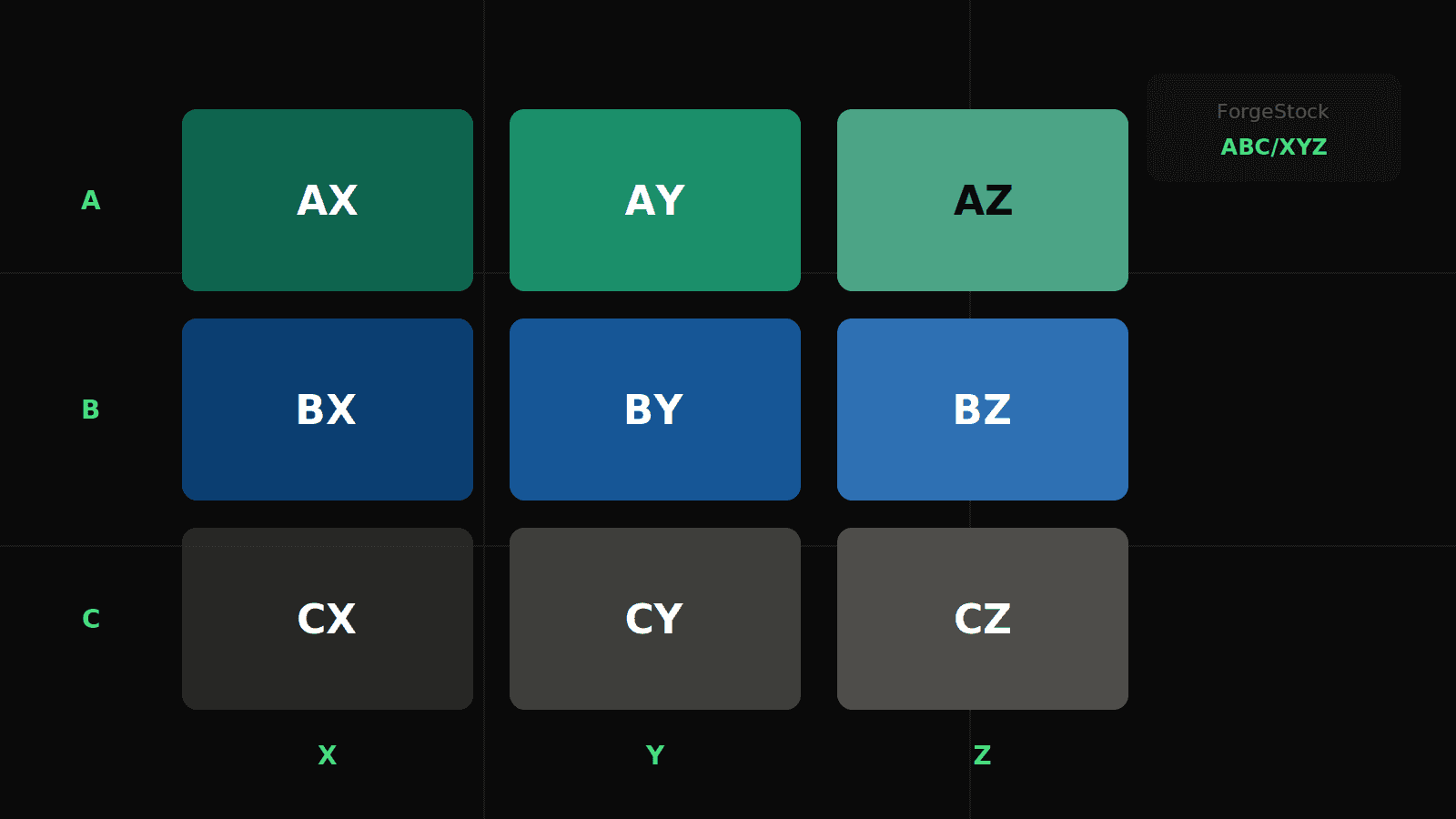
Combined, you get a 3×3 matrix — from AX (high value, stable) to CZ (low value, unpredictable) — giving every item a clear planning priority.
Step 1: Navigate to the batch job
In D365FO, go to: Inventory management → Periodic tasks → Inventory Optimizer → Run ABC/XYZ Classification
Step 2: Set the parameters
Site — select the site you want to classify
From date / To date — typically the last 12 months of sales history
ABC method — Revenue (recommended for most businesses)
XYZ method — Coefficient of variation (standard)
A threshold — 80%, B threshold — 95% (defaults work well to start)
Step 3: Run the job
Click OK to run on-demand, or set up a recurring batch schedule under System administration → Batch jobs to keep classifications up to date automatically. A monthly schedule is recommended for most operations.
Step 4: Review the results
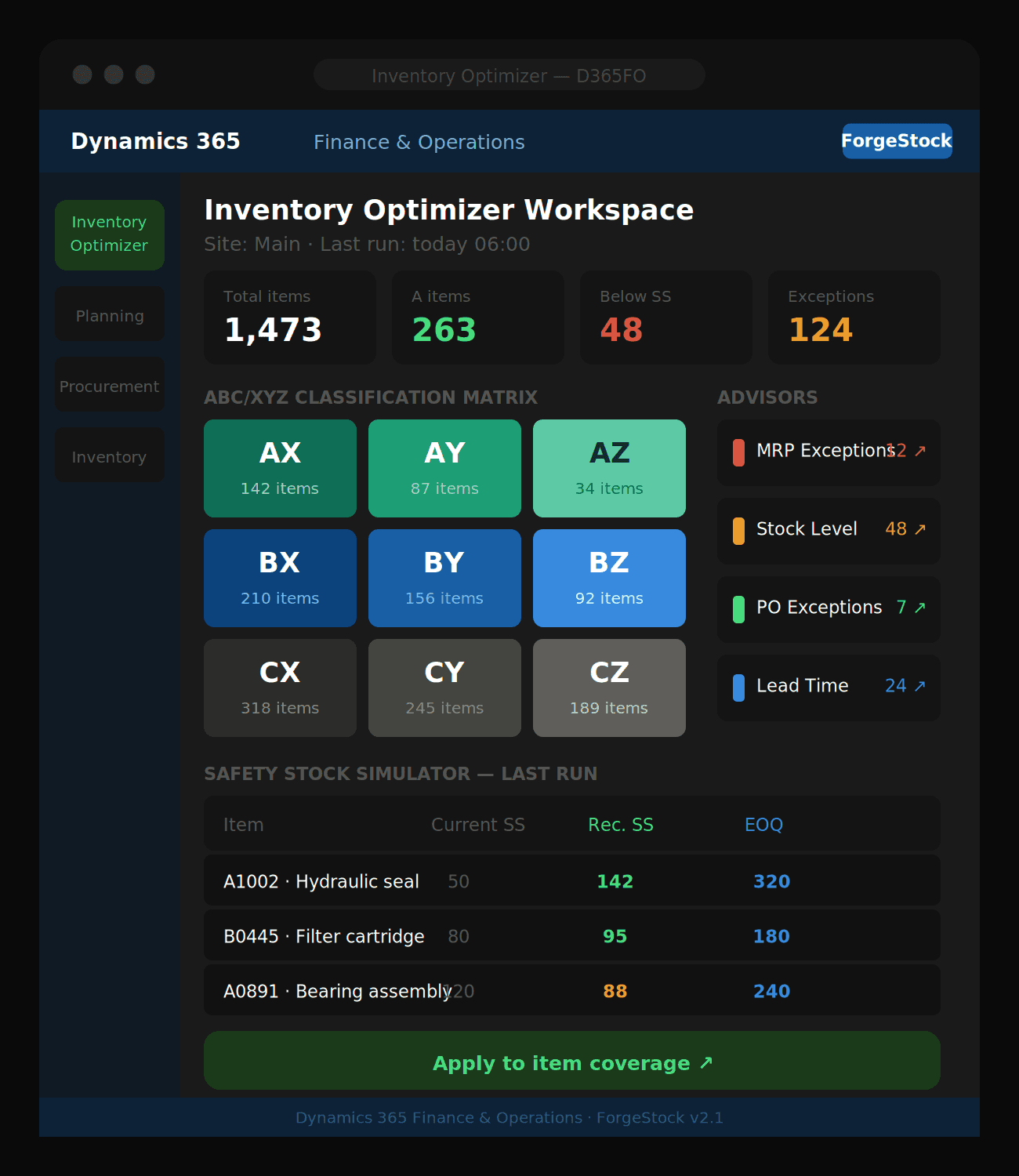
Once the job completes, open the Inventory Optimizer Workspace. You will see:
The ABC/XYZ tile matrix showing item counts per segment
Summary cards with total on-hand value and item counts per class
The Item ABC/XYZ list where you can browse every classified item
Step 5: What to do next
Now that your items are classified, you can:
Run the Safety Stock & ROP Simulator to calculate optimal safety stock per segment
Open the Stock Level Advisor to see which A and B items are below safety stock
Use the MRP Exception Advisor filtered by ABC class to prioritise planning actions
Tips
Re-run the classification at least once a month, or after a major product range change
AX items deserve the tightest safety stock and most frequent replenishment review
CZ items are candidates for stock reduction or make-to-order policies — don't hold excess on unpredictable low-value lines
Ready to optimize your inventory?
See how ForgeStock eliminates overstock, prevents stockouts, and brings intelligence to your D365FO — it only takes a conversation to get started.